
Skip to content
Home
How it works

How do I sign my INPI document online?

Your summary document signed in minutes, from home.

Stuck at the “Signature” step of the Guichet unique (the INPI online portal)? Upload your summary document, draw your signature and confirm with the code sent by email. Your signed document lands in your inbox, ready to upload.
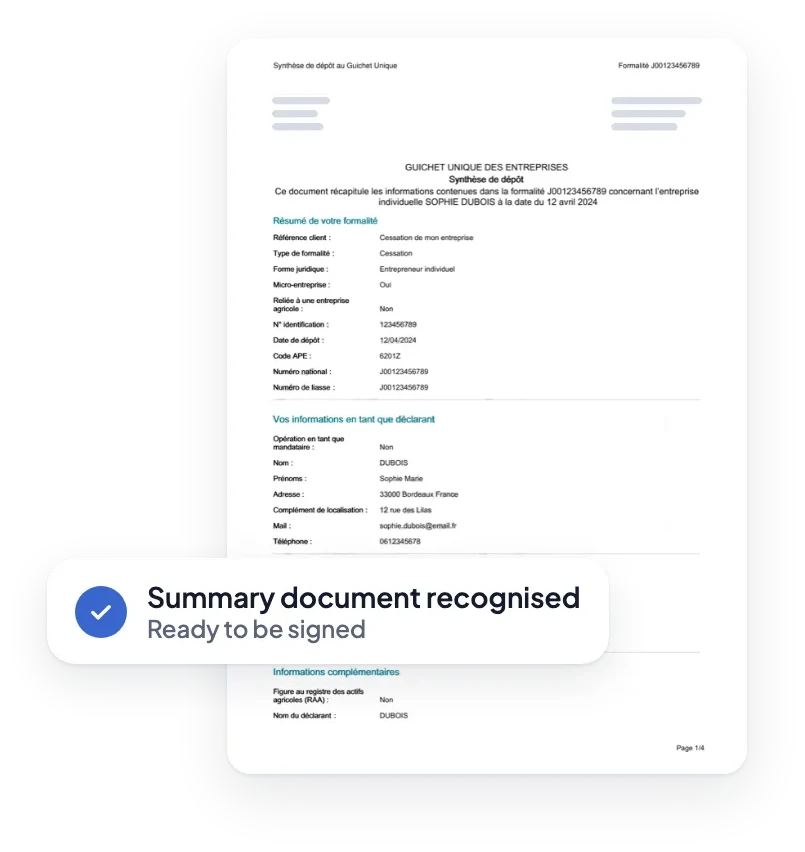
The summary document recognised, ready to sign

Advanced eIDAS signature

A certificate issued by a provider on the EU Trusted List.

No subscription

A one‑off payment, with the exact price shown before you pay.

Help 7 days a week

A team replies if your filing gets stuck.

Your document signed in 3 steps

No account or software needed. All you need is your summary document and an email address.
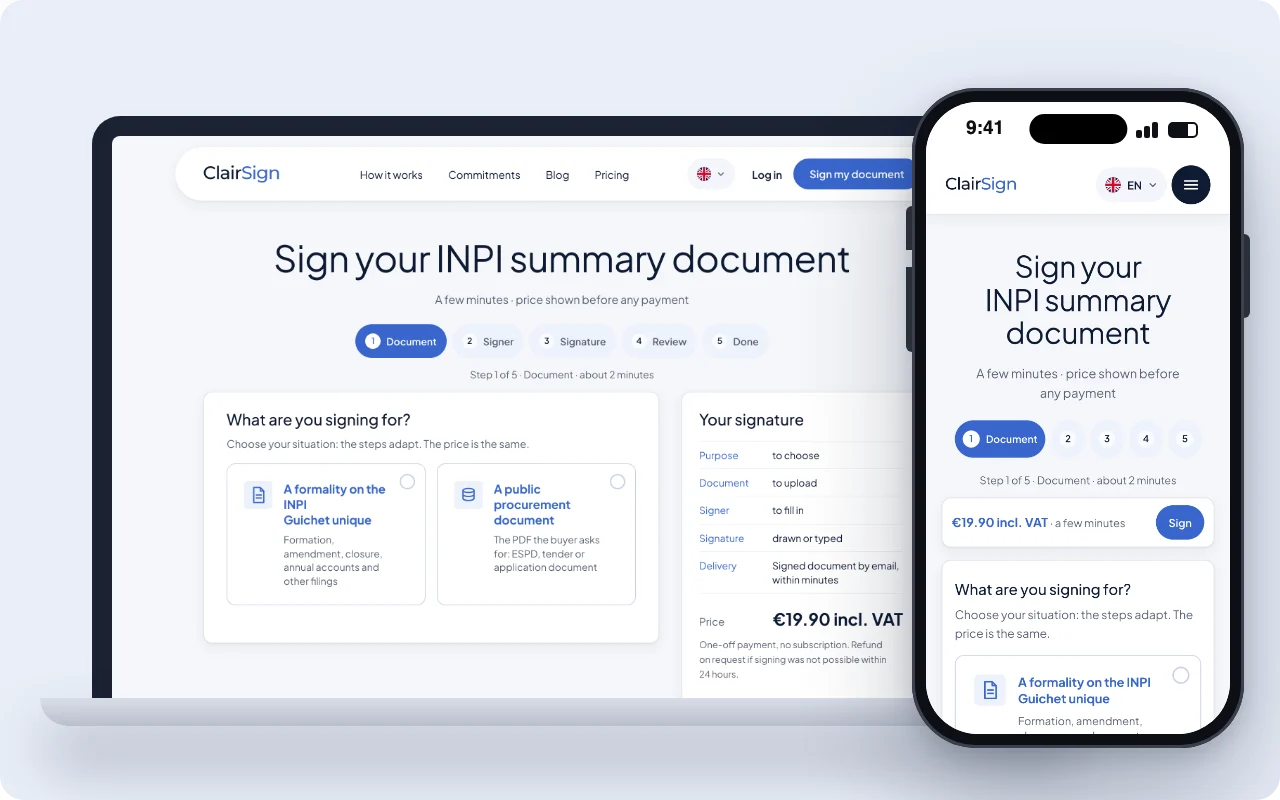
The ClairSign steps on a computer and a phone: at step 1, you choose between an INPI Guichet unique formality and a public procurement document
1

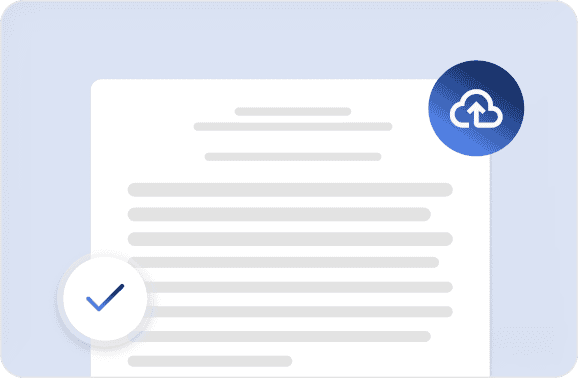
Upload your document

Download the summary document from the Guichet unique, then upload it as a PDF.

2

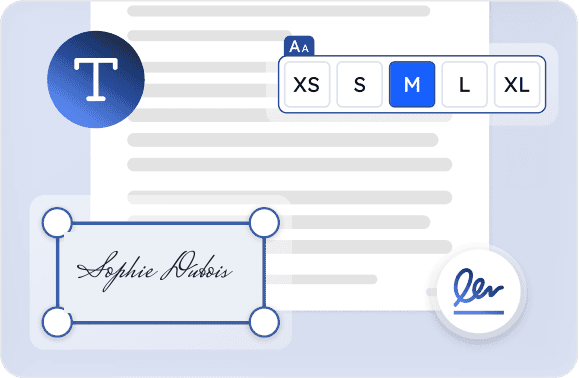
Draw your signature

Draw your signature with your mouse, then confirm with the code sent by email.

3

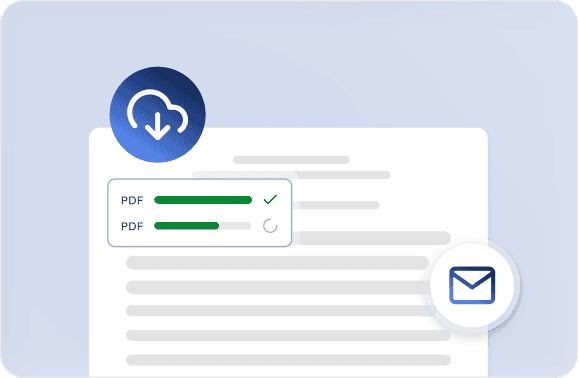
Receive your signed document

Your signed document arrives by email within minutes, ready to upload.
1

Open the site on your phone

Step 1: uploading the PDF summary document

No app to install: your browser is all you need.
2

Sign with your finger

Step 2: signature drawn with a finger or the mouse

Draw your signature directly on the screen, then confirm with the code sent by email.
3

Receive your document by email

Step 3: signed document received by email, ready to upload

Open the signed document, then upload your document to the Guichet unique.

The guide

The step-by-step guide, from the Guichet unique to the final upload

Follow these steps in order. Each one takes less than a minute.

Get your summary document

1
Open your filing on the INPI Guichet unique.
2
Go as far as the signature step.
3
Download the summary document as a PDF. Keep your document on your device.

Upload your document to ClairSign

1
Click “Sign my document”.
2
Choose the PDF of the summary document.
3
Check the file name shown, then continue.

Sign and confirm your document

1
Enter your first name, last name and email address.
2
Draw your signature with your finger or mouse.
3
Enter the 6-digit code received by email.

Receive your signed document

1
Open the email “Your signed document”.
2
Download the attached PDF.
3
No email? Check your spam folder.

Complete your filing

1
Go back to the signature step of your filing.
2
Upload the signed document you received by email.
3
Confirm your filing: you’re done.

Sign for your situation

Choose your situation: each guide explains the process in detail.
By filing

Starting a business with the INPI: electronic signature explained

SAS, SARL, SCI, micro: formation is normally signed by ticking a box. If the portal asks for an electronic signature, here’s what to do.

INPI articles amendment: the signature that unblocks everything

Articles amendment stuck at the signature step on INPI? The Guichet unique requires an advanced signature. Here’s how to sign your filing.

INPI business closure: which documents to sign in 2026?

Business closure stuck at the signature step on the INPI portal? The documents to sign, the signature required and the solution in minutes.

INPI annual accounts filing: the electronic signature explained

Signing the annual accounts filing on the INPI Guichet unique: the signature required, the procedure and the solution if FranceConnect gets stuck.

INPI registered office transfer: signature and procedure

Registered office transfer via the INPI Guichet unique: procedure, documents, costs and the advanced electronic signature required at filing.

INPI share transfer: procedure and signature

Declaring a share transfer on the INPI Guichet unique: procedure, documents, the electronic signature required and what to do if you are blocked.

By type of business

INPI electronic signature for a micro-entreprise: 2026 guide

Micro-entrepreneur: formation is signed by ticking a box; changes and closure require an advanced electronic signature. Solutions.

Signing on INPI as an SAS: the president’s guide

SAS president: who signs your INPI filings, which electronic signature the Guichet unique requires, and how to get past a rejection.

Signing on INPI as an SARL: the manager’s complete guide

SARL manager: who signs your INPI filings, which electronic signature the Guichet unique requires, and how to get past a rejection.

Signing on INPI as an SCI: the manager’s guide

SCI manager: who signs your INPI filings, which electronic signature the Guichet unique requires, and how to get past a rejection.

INPI change of manager: signature and procedure

Change of manager on the INPI Guichet unique: procedure, documents, costs and the advanced electronic signature required at filing.

INPI power of attorney: who should sign the document?

INPI power of attorney: who signs the power of attorney, who signs the summary document, and which electronic signature does the Guichet unique require?

By problem

FranceConnect not working on INPI? Here are the solutions

Blank page, identity error, login loop on FranceConnect for INPI? The solutions, and how to sign without FranceConnect in minutes.

“Your signature is not valid” on INPI: the real causes and the fix

Signature not valid on INPI? Company seal, unrecognised authority, re-saved PDF: the portal’s exact messages and how to fix them.

Signing on INPI without FranceConnect: the complete solution

FranceConnect not working, or you’d rather not use it? How to sign on the INPI portal without FranceConnect, in minutes.

Signing your INPI filing from abroad: the 2026 guide

Expat or non-resident director: FranceConnect+ often fails outside France. How to sign an INPI document from abroad, with a code by email.

Urgent INPI signature: unblock your filing in minutes

INPI deadline coming up? Advanced electronic signature (eIDAS) in minutes, with no account to create. Built for the INPI Guichet unique.

Digital identity problems on INPI: diagnosis and solutions

La Poste digital identity rejected, France Identité crashing, FranceConnect+ stuck in a loop? Here’s how to sign on INPI without a digital identity.

Frequently asked questions

Which document should I upload?

The summary document (document de synthèse) for your filing, in PDF format. You download it from the INPI Guichet unique, at the signature step.

How long does it take?

A few minutes, start to finish. You upload your document, sign and confirm with the code received by email.

Will my signed document be accepted by INPI?

Your document receives an advanced electronic signature (eIDAS). It is backed by a trust service provider listed on the European Union Trusted List. The signed document is then filed on the Guichet unique, at the “Signature” step of your formality.

Do I need a video appointment or a special device?

No. A computer or phone and an email address are all you need.

How do I then upload my signed document?

Go back to the signature step of your filing on the Guichet unique, then upload the signed document you received by email.

What if my filing is blocked or rejected?

Write to us with a screenshot of the message shown: our team looks at your file and helps you 7 days a week.

Are my documents protected?

Yes. Your documents are sent encrypted and used only for your signature.

I haven’t received my signed document. What should I do?

First check your spam folder. If the document isn’t there, email us with the email address you used: we’ll send it again.

How much does it cost to sign my document?

The price starts at €19.90 incl. VAT. The exact price for your formality is shown before any payment.

Is there a subscription?

No. You pay once, for one document. No further charges follow.

Who collects the payment?

A licensed payment provider collects the payment and sends you the receipt. On your statement, the line shows “CLAIRSIGN”.

Sign your document now.

Upload your summary document, sign and receive your signed document by email. It’s simple, secure and built for the Guichet unique.